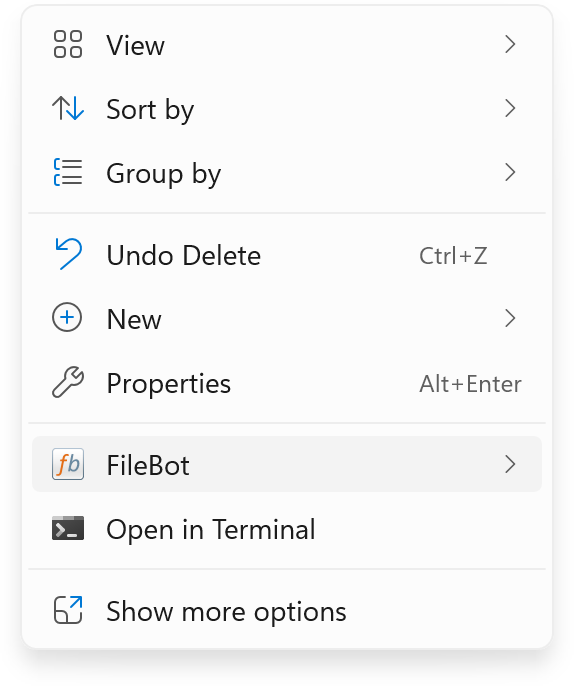
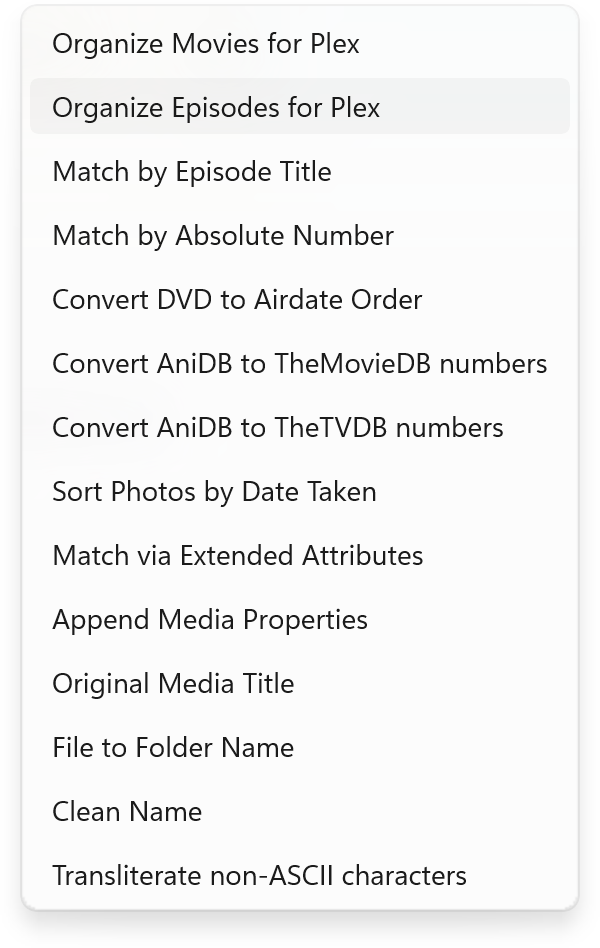
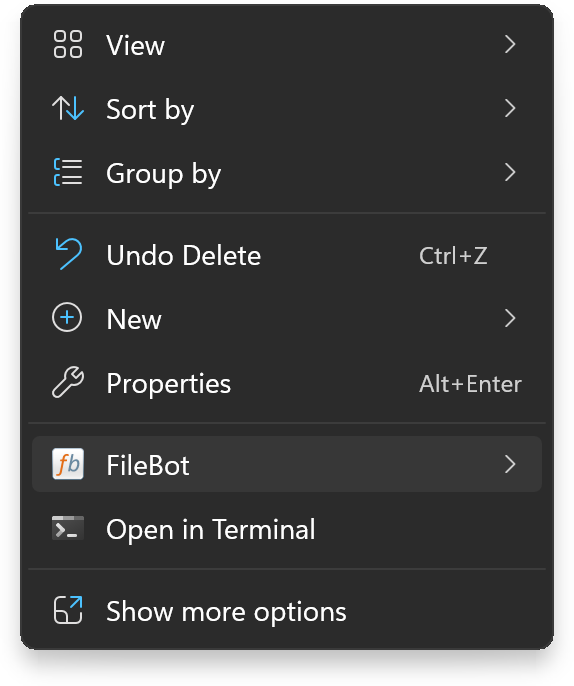
A simple, powerful screenshot tool for Windows 11. Built with the Microsoft.Graphics.Win2D API to capture windows with alpha channel and save them as PNG image files with transparency.
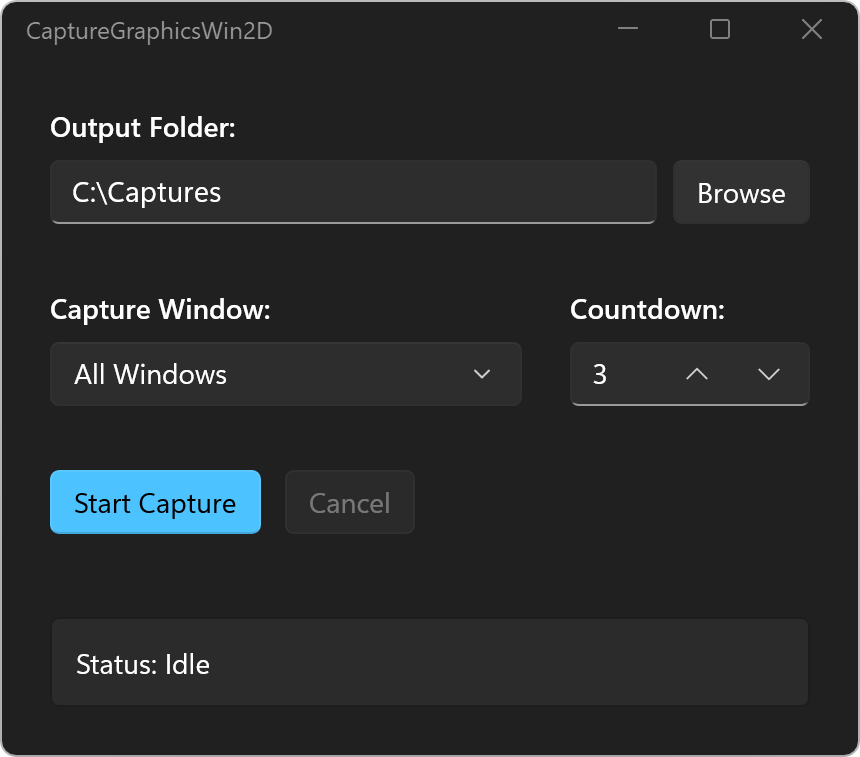
Standard screenshot tools capture the screen rather than the window itself, losing the alpha channel along the away and flattening the background layer into the captured image. Modern Windows 11 can do better.
Perfectly cuts out the corners of Windows 11 native windows, maintaining the soft curve without artifacts.
Captures the beautiful drop shadows of context menus and pop-ups exactly as they appear on screen.
Preserves the opacity of elements like the Windows Taskbar, Mica materials, and acrylic blur surfaces.
Captured seamlessly with transparency. Notice the smooth corners and native shadows.
CaptureGraphicsWin2D supports command-line usage for automated workflows.
$ CaptureGraphicsWin2D "C:\Captures"
$ CaptureGraphicsWin2D "C:\Captures" "Shell_TrayWnd"